Start with your task
Plan a readable event poster
Prepare exact text and a simple layout before making the artwork.
- Prepare materials
- Choose your AI tool
- Get instructions
- Check the result
Describe the result, add only the materials it needs, then choose what counts as done.
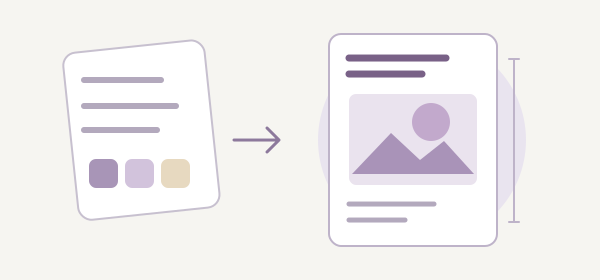
What to ask for
A text design brief with exact poster copy, a top/middle/bottom wireframe and a checklist for the actual artwork.
- Exact poster text
- Layout + color suggestions
- Print + phone review
Follow these steps
- Open the example; replace the event facts and specify the final poster size.
- Keep the exact text and top/middle/bottom wireframe request. List only assets you have permission to use.
- Choose a text tool, copy the instruction and request the brief. Use it to arrange a draft in your design editor.
- Inspect the actual poster at print size and on a phone. If details are hard to read, reduce decoration and enlarge the details before rechecking.
Bring these inputs
- Confirmed event details and the key message
- Final dimensions and where the poster will be viewed
- Assets you may use, or no assets supplied
Check before using
- The title, date, time, place and cost are all present and correct.
- Read the actual small preview; inspect text contrast with your design tool.
- Verify asset permissions and confirm contact details before sharing.
A common gap → a clearer request
A decorative layout hides the date or uses an asset with unknown rights.
Move details into one clear block, enlarge them, remove unclear assets and inspect the actual draft again.
Choose a tool
Use Claude or Codex for a text draft. LM Studio can use the local prompt format if you have a suitable model installed. Select the matching target in the prompt helper and copy its instruction into your tool.
What this flow covers
This flow produces text and layout instructions, not an image. Create the artwork yourself in your design tool using assets you may use, then inspect it. No AI image generation or visual-quality test is performed here.
The example prepares an instruction using synthetic material. You choose an AI tool and verify its answer yourself.